What you will learn
-
Create a professional standard mix that is ready for mastering and distribution
-
Mixing using native effects in your DAW such as equalizers, compressors, pitch correct, reverb, delay and proper settings for these processors
-
Mixing requirements and environment
-
How to edit and pitch correct vocals
-
Procedures and process in Mixing with the popular DAWs - FL Studio, Cubase Pro, Reason, Reason, Pro Tools etc
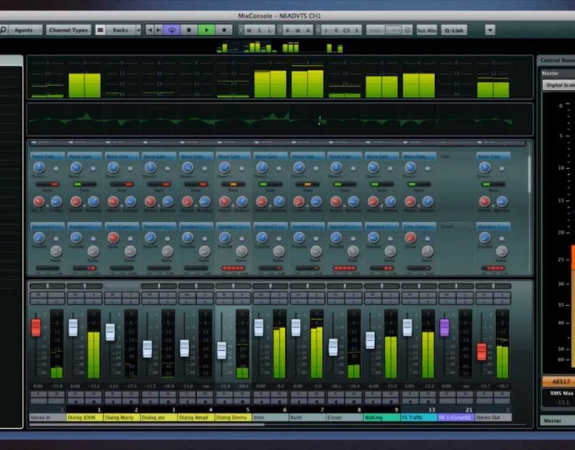
Learn how to mix a multitrack audio recording consisting of vocals and instrument sounds within a DAW.
There’s tons of Digital Audio Workstations (DAW) to choose from out there.
Before digital recording technology, mixing required a full studio’s worth of expensive equipment to be done well.
Now many of these technologies are available as software plugins inside digital audio workstations. Which DAW you will use ultimately is up to you. Here you will learn to use the basic native effects and plugins that you will find in your DAW.
REQUIREMENTS
• Computer/ Laptop
• Mixing software (i.e. Pro Tools, Logic, Cubase, FL Studio, Audacity, Avid's Pro Tools software is used for the lectures in this course.
• And you will need a good quality playback system (speakers and headphones) in order to mix.


No Discussion Found
5.0
1 Reviews

Thatho Lekhanya
2 years ago
Very good lessons on mixing. Just by following the lessons I am now able to mix vocals and the results are amazing. Grateful for your help.
Meet Your Instructor
About Instructor
Admin
R 1300.00 R 1500.00
-
Video Lessons4 h 52 m 12 s
-
Course LevelHigher
-
Student Enrolled63
-
LanguageEnglish
Gift this course
Send this course as a gift to your friends
This Course Includes
- 4 h 52 m 12 s Video Lectures
- 0 Quizzes
- 6 Assignments
- 10 Downloadable Resources
- Full Lifetime Access
- Certificate of Completion